
- Products
- Human Machine Interface (HMI)
- iX3 HMI Software
Streamlined development. Secure scalability
Discover iX3, our next-generation HMI software designed for streamlined development, secure scalability, and seamless upgrades from iX2.
Whether you're building intuitive interfaces or managing enterprise-level operations, iX3 empowers you with modern tools, advanced customization through C# scripting, and full integration of essential features like alarms, trends, and data logging.
Why we like iX Developer
Beijer Electronics X2 and X3 HMIs are our top picks for large projects—both for their functionality and the efficiency that iX Developer brings to the table. Unlike software installed on each individual HMI, iX Developer runs on your engineering station, reducing costs and keeping all your projects, displays, and tools centralized in one place.
Start your journey with a 30-day free trial and experience the future of HMI design; fast, flexible, and enterprise-ready
Easy upgrade from iX2 to iX3
Upgrading from iX2 to iX3 is straightforward. Your existing projects can be reused, saving you time and preserving your previous work. There's no need to rebuild from scratch. The updated user interface and added customization features make the transition smooth and efficient.
Quick and simple HMI design
Streamline the HMI panel app creation with iX3 Developer, making project creation easy and efficient, reducing development time and improving overall project efficiency. A modern design environment with ready-to-use elements supports faster workflows and better user experience.
Tailored solutions for your needs
Every project is different, and iX3 Developer gives you the tools to meet your specific needs. Add advanced functionality with C# scripting and extend capabilities using NuGet packages. This flexibility allows you to tailor the HMI application for special workflows, system integration, or business requirements.
Reliable, complete HMI functionality
iX3 Developer gives you everything you need to build professional HMI solutions. All essential features such as alarms, trends, recipes, and data logging, are fully integrated and easy to configure. This helps you create reliable and user-friendly HMI applications without needing extra software or complex setup
Connect with leading PLC brands
iX3 offers drivers to many popular brands, making it possible to exchange data with controllers and PLCs of different make. Here you will find the complete list of drivers with full documentation.
Features overview
Get a comparative overview of the software feature in the X2 and X3 series, highlighting differences between the X2, the first release of X3, and future X3 updates.
Learn More

Connected forum
Connected is the forum where you can engage with others, discuss, search for help, or find solutions to common problems related to an application, a product or an industry.
Learn More

Video tutorials
Explore our video tutorials! from setup to advantage techniques, Beijer Electronics' tutorials are designed for all skill levels. Easy to follow, always up to date - subscribe and start learning!
Learn More

Transit guide
Follow the transition guide to ensure a smooth and secure transition from iX developer 2 to iX developer 3 on Beijer Electronics X3 HMI panels.
Learn More

Modern user interface
Designed for clarity and efficiency: Work faster with an updated, user-friendly interface that enhances both development productivity and the end-user experience.

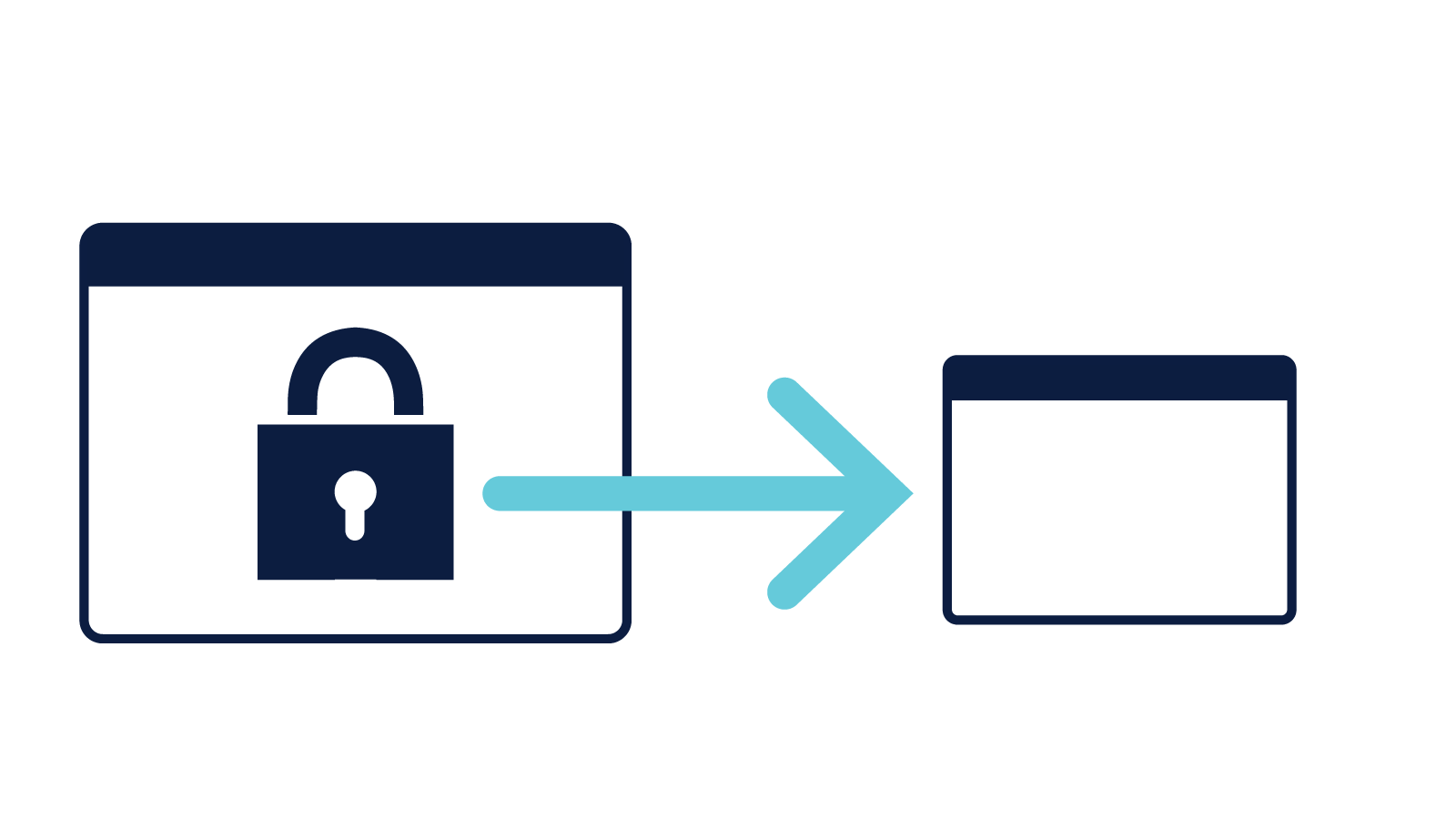
Secure file transfer
Protect sensitive data: Ensures encrypted and safe transfer of files, protecting sensitive information from unauthorized access and maintaining data integrity.

NuGet support
Simplify dependency and package management: Enables developers to easily integrate external libraries with ease using NuGet, making it simple to manage projects and version control.

System settings protection
Keep critical configurations secure: Prevents unauthorized changes to essential system settings, ensuring stability, integrity, and security across your application.

Modern component library
Build interfaces faster: Access a rich collection of ready-made symbols or import your own to accelerate development and maintain visual consistency.

HTML5 & PDF & video support
View web content and documents with ease: Access modern web applications through the integrated HTML5 browser, and display manuals or instructions directly within your application using the built-in PDF viewer.

Picture in picture
Watch and work at the same time: View video in a small, movable window while continuing to interact with other parts of your application.

Enterprise-ready
Scalable, secure, and IT-friendly: iX3 and OS3 support enterprise operations, managing multiple panels with secure data transfer, Active Directory integration, multi-factor authentication, and single sign-on for streamlined IT operations.

NET 8 framwork
Help users develop a flexible solution.
Essential and Advanced Functionality
Alarms
Clear, customizable alerts: Manage alarms, notify operators with colors, and ensure safe navigation with touch scroll and grid view.
Trends visualization
Understand your process at a glance: Display real-time and historical data in easy-to-read charts for better decision making.
Alarm distributor
Keep your team informed instantly: Send alarm notifications via printer, SMS, or email to ensure timely responses.
Text management
One source for all your translations: Manage all text and language versions in one place. Update once and apply changes across your entire application.
Report genrator
Turn data into actionable reports: Create reports using Excel templates and export them for easy sharing and analysis.
Audit trail
Full traceability for compliance and optimization: Track every user action with time stamps to support audits and improve processes.
Charts
Present data your way: Choose from different types of 2D and 3D charts to visualize data effectively.
Multi-controller support
One application, multiple PLCs: Connect a single tag to multiple controllers and run the same app across different systems.
Script module import
Extend functionality with custom code: Import third-party script modules to tailor your application to specific needs.
C# scripting and NuGet support
Tailor your application to fit any need: Add advanced functionality with the built-in C# editor and extend capabilities using NuGet packages.
Controller data exchange
Real-time communication across devices: Enable seamless data sharing between controllers to create a smart, connected system.
Web server access
Monitor and interact via browser: Design web pages for remote monitoring and control of your panel from any device.
OPC UA server
Seamless integration: Enable secure, standardized communication between your HMI and enterprise systems.
SQL connectivity
Efficient data management: Connect to SQL databases to store, retrieve, and manage data reliably.
SD card backup
Quick recovery when you need it: Back up your entire project and data to an SD card to minimize downtime.
Component library sharing
Consistency across teams: Share custom components with colleagues or suppliers to ensure a unified look and feel.
Alarm client
Centralized monitoring across panels: View and acknowledge alarms from other iX panels in your network for streamlined oversight.
Background screens
Reuse layouts & save time: Use any screen as a background for others to maintain consistency and speed up development.
Communication drivers
Connect with leading PLC brands: iX3 offers drivers to many popular brands, making it possible to exchange data with controllers and PLCs of different make.
Object dynamics
Engaging motion and interactivity: Control visibility, position, and color to create dynamic, responsive interfaces that engage users.
Multi-language support
Built-in global usability: Translate directly in iX and switch languages instantly, even during runtime. Supports diverse keyboard layouts.
Built-in web browser
Instant access to online resources: Allow operators to browse internal or external web content directly from the HMI.
PDF viewer
Display manuals directly in your application: Display PDF files such as manuals or instructions directly within the iX application using the built-in PDF viewer. Also accessible through the integrated web browser.
Media player
Visual guidance for complex tasks, anywhere: Display PDFs like manuals or instructions directly in the application. Also viewable via the web browser for added flexibility.
Recipes
Simplify operations with on-the-fly adjustments: Create and edit recipe libraries directly in the application to streamline workflows.
Data logging
Capture the data that matters: Log data based on time or tag changes, with options to record everything or only what’s changed.
Scheduler
Automate tasks with precision timing: Trigger actions based on real-time clocks or calendar events to keep processes running smoothly.
User management
Flexible, role-based access control: Assign roles, manage passwords, and make changes during runtime to ensure secure access.

-1.png?width=450&height=150&name=finance%20(12%20%C3%97%204%20in)-1.png)